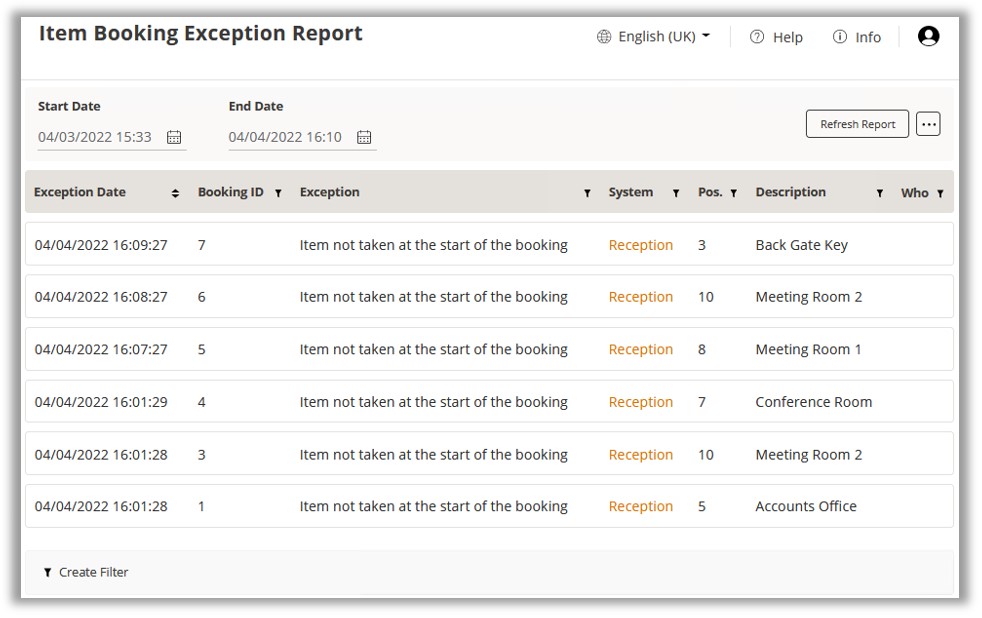
Item Booking Reports
Whilst the Booking Summary page will show all active and future bookings,
a separate audit trail will be made available in the reports section of
TrakaWEB. There are 2 types of Booking report available; Item Booking
Activity Report and Item Booking Exception Report.
Item Booking Activity Report
Click on Reports
in the Navigation Menu and choose the View Reports option.
Then locate the Item Booking Activity Report under the Utilisation
sub-menu.
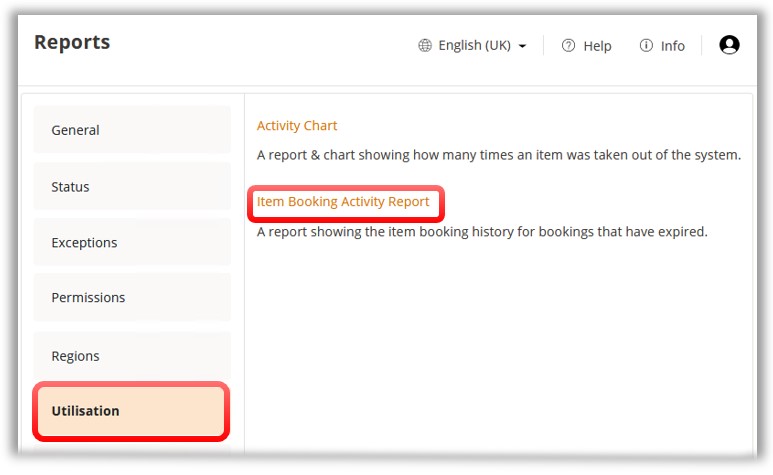
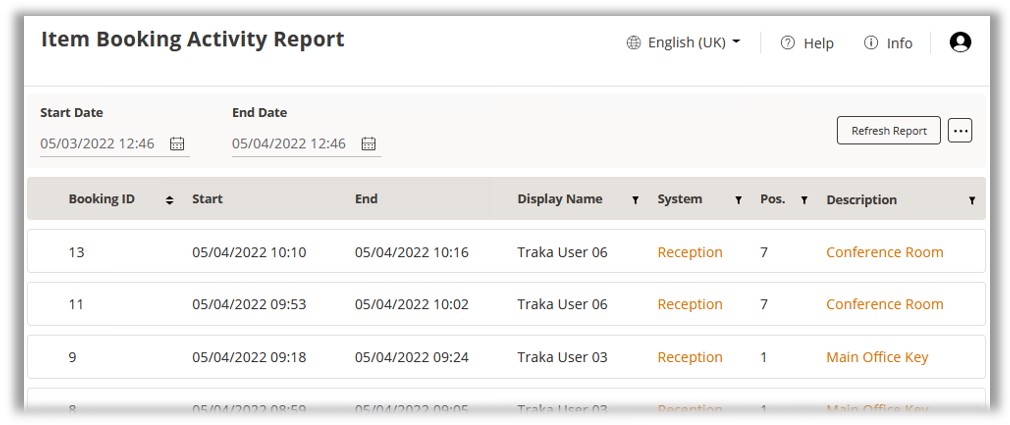
Click on the report’s
name to view it. You will now be taken to the ‘Item Booking Activity
Report’.
Item Booking Exception Report
Click on Reports
in the Navigation Menu and choose the View Reports option.
Locate the Item Booking Exception Report under the Exceptions
sub-menu.
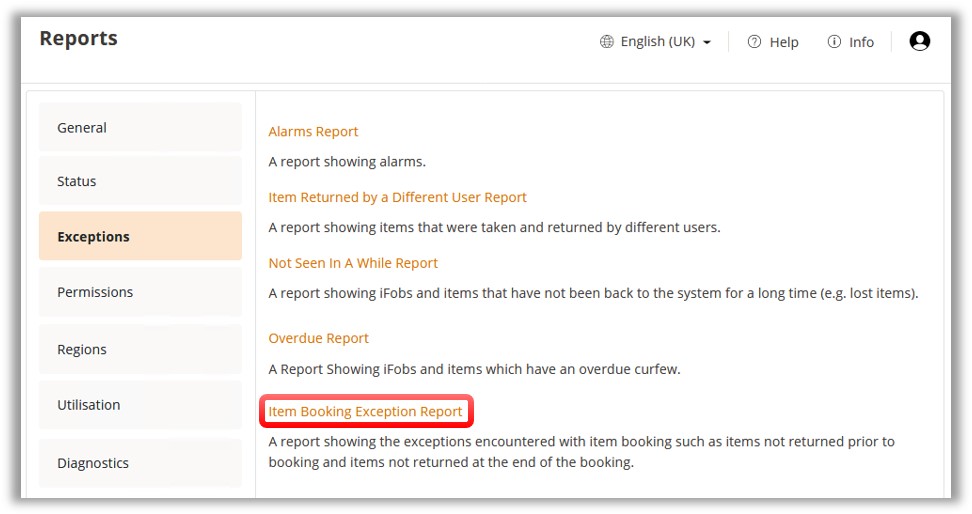
Click on the report’s
name and you will be taken to the ‘Item Booking Exception Report’.